Clear, effortless control
of every IT asset you own.
Track, tag and audit laptops, PCs, servers, printers and network devices in one place, while the agent keeps their details up to date on its own.
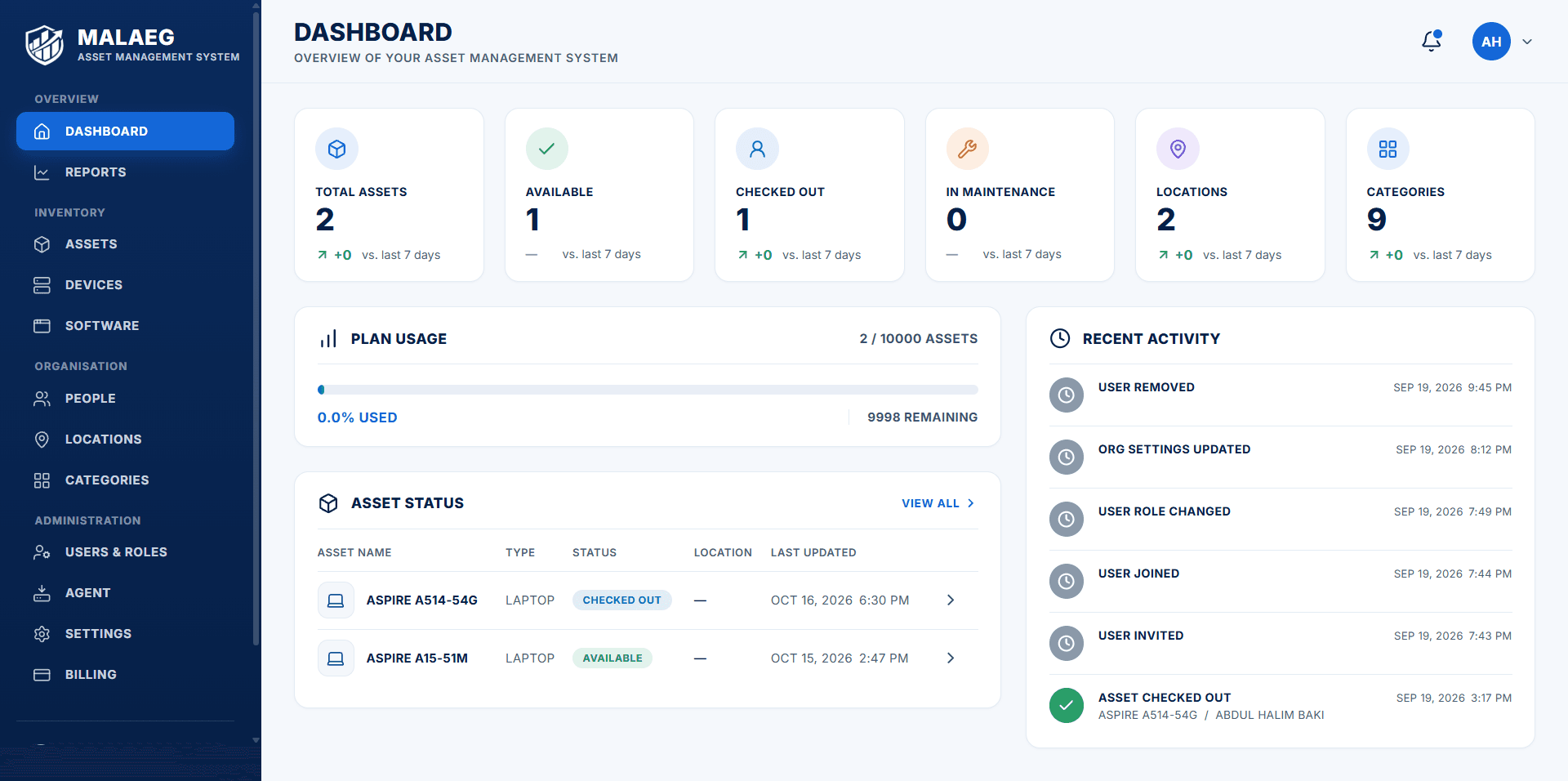
Built for IT teams, from the server room to every desk.
For businesses that need to know what IT equipment they own, where it is, who has it and what is installed on it.
Every device with its location, status, condition and the person who has it.
Push the agent to every Windows PC with Microsoft Intune or Group Policy. It reports hardware, software and security on its own.
Barcode and QR labels that any handheld scanner reads.
Issue several devices to one person, with a printable form and a receipt link.
See installed, prohibited and outdated software across every PC.
Seats owned against machines installed, and alerts before warranties expire.
Windows 11 readiness, batteries, antivirus and age, with CSV downloads.
Every change logged, so the history holds up under scrutiny.
Everything on your network, in one register
Laptops, desktops and servers, reporting their own hardware and software.
Found by a network scan, with toner levels and low-supply alerts.
Switches, routers and access points, found by a network scan.
Find every printer on your network, without walking the office
One scan finds the printers, switches and routers on your network and brings them into the same register as your PCs, with model, serial number and toner levels.
- Nothing to install on the devicesA small collector on one Windows PC inside your network reads them over SNMP, the standard printers and switches already speak.
- Real model names and serial numbersRead from the device itself, so the register says LaserJet Pro MFP 4103dw, not “HP network card”.
- Toner levels, with alertsSee every cartridge's level and get an email when one drops below your threshold.
- Read-only and firewall-friendlyIt only reads, never changes a setting, and sends results out over HTTPS. No inbound ports to open.
- One click into the registerNew devices wait under Unmanaged until you add them or mark them not yours.
Included in the Professional plan. Set it up yourself in minutes: add a collector, download it, run it. How network printer scanning works
See plansFrom spreadsheets to a system of record
Malaeg replaces manual tracking with one place that stays current: import what you already have, tag it, and let the agent keep the details up to date on its own.
Start free trialPlans from $25 a month
Every plan starts with a 14-day free trial. Pricing scales by asset count — never by how many people log in.
View pricing